We use Cloudflare with our Fly app. Occasionally, a request will fail, returning a Cloudflare error page saying “Web server returned an unknown error”:
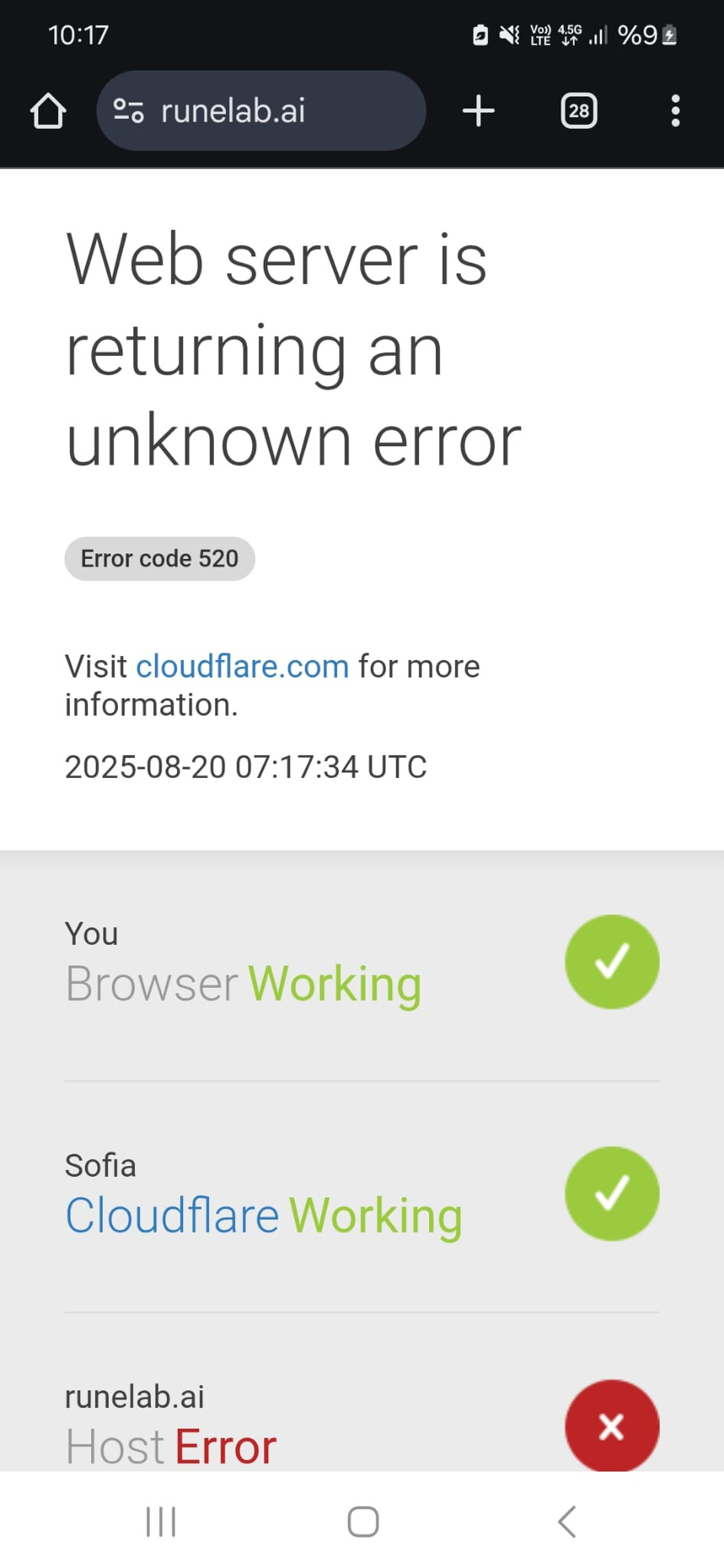
No errors are visible in the application’s logs. How can I debug this?
A 520 likely means a request was not completed, so it would be a question of what the request was:
https://community.cloudflare.com/t/cloudflare-520-error/571670/5
Do you have any access to Cloudflare’s logs:
Cloudflare Logs · Cloudflare Logs docs ?
They may only provide the good stuff to the Enterprise customers, but I’d think they’d at least provide some data. Without logs, not sure.
If you access this page in a desktop browser, it should say “if you are the owner of this website then you can log in…”. I don’t recall the wording exactly, but the vague report from Cloudflare is deliberate for security reasons.
No logs whatsoever, sadly.
If you are a Cloudflare customer, you will have logs.
To be clear: is Cloudflare sitting in front of your website, in some kind of CDN or cache capacity? If so, then the server error may be on your side as well, in which case look at your own logs too: in this scenario Cloudflare may merely be proxying the error.
Addendum: I’ve confirmed that the failing requests make it to the server and the server logs them, complete with response status code (all 200, 404, normal stuff).
To be clear: is Cloudflare sitting in front of your website, in some kind of CDN or cache capacity?
Yes.
If you are a Cloudflare customer, you will have logs.
We’re on the free plan.
Righto. I don’t independently know that the free tier has no log capacity, but that would seem to be a useless offering for exactly the reason you’re discovering. When it doesn’t work, you’re flying blind.
I’ve just found something via a search called Cloudflare Diagnostic Tools; it is said to be available in the Cloudflare free tier. Can you find it in your Cloudflare dashboard, and if so, does it help?
On a whim, I changed the DNS record pointing to my app from CNAME to A. This seems to have fixed it, though since the issue is intermittent, I’ll have to keep an eye on it to be sure. Hopefully this will help a future reader.
Interesting - perhaps it was DNS then. If it happens again, you’ll know it’s not.
At least the requests are being logged in your app so that suggests some requests are not completing. For some reason. You’d then have to see which request it was, and whether that particular one was different to ones that did work (e.g took a longer time)
At least the requests are being logged in your app so that suggests some requests are not completing.
I’m not so sure about that anymore. I was probably misinterpreting the logs, since users whose requests failed would refresh until they succeeded.
I don’t know what the exact issue here is, but I can say that usually an issue between Cloudflare <> Fly.io is due to certificates.
We did some work for this semi-recently: Generating certificates behind CDNs
On the Cloudflare end, if you remove any CNAME or A records and point to us with only the AAAA record for the app, we can generate a certificate for the hostname and the connection to your app from Cloudflare will be using a valid cert.
Make sure you are not using a shared ip in the A record.
Make sure to set the Cloudflare https settings to flexible instead of strict and use an AAAA record with the Fly ipv6 ip.
I personally use a dedicated ipv4 ip because some Coudflare regions do not have complete ipv6 support and requests will fail